The Library of Ravens
Overview
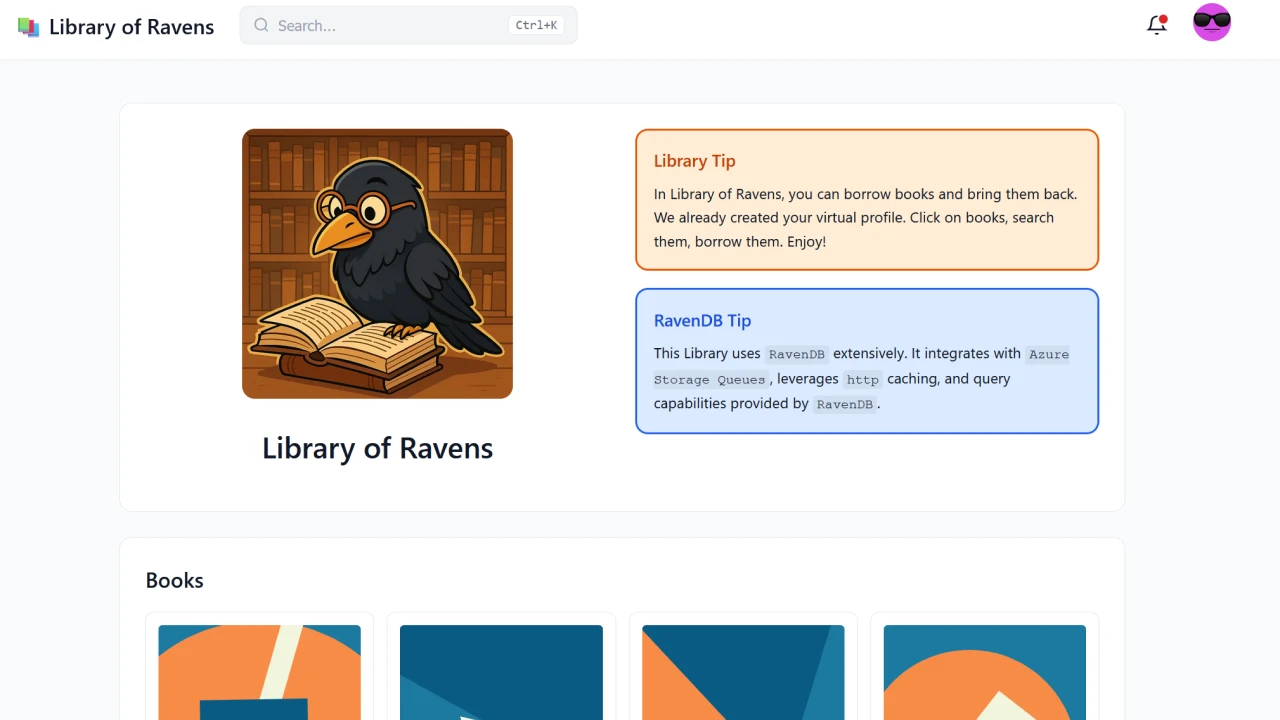
The Library of Ravens solves the "architecture bloat" of managing separate databases by consolidating full-text and vector search into a single database. Instead of wrestling with data synchronization across multiple platforms, you get a unified search experience that keeps your infrastructure lean and your development cycle fast.
The app demonstrates robust integration patterns using Azure Storage Queues. By leveraging RavenDB’s change tracking and ETL services, the system ensures that critical library updates are never lost, providing architectural resilience.
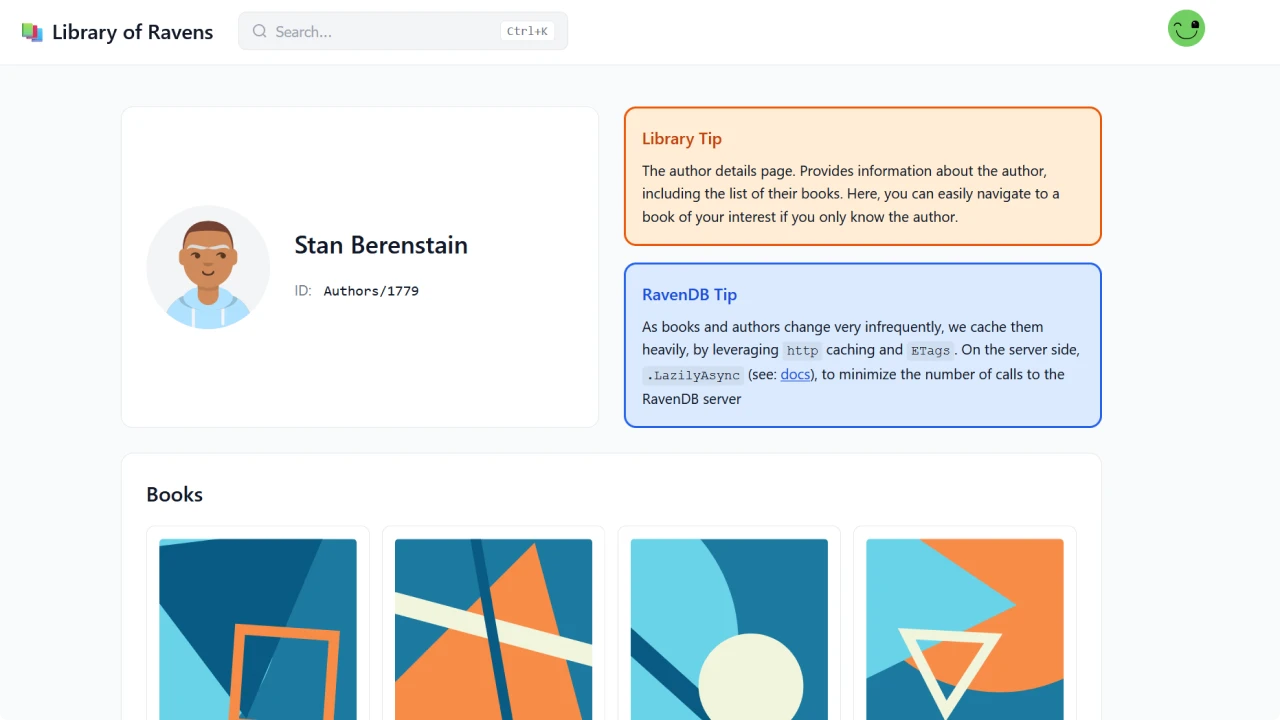
Finally, the app addresses the "cloud tax" of high egress fees by utilizing ETags and native HTTP caching driven by RavenDB’s metadata. This approach significantly reduces the volume of data sent over the wire, slashing public cloud billing while providing a snappier, more responsive experience for the end user through efficient data reuse.
Built with RavenDB, Aspire, Azure Storage Queues, and Azure Functions.
Features used
RavenDB's Include feature allows loading related documents in a single request, eliminating the N+1 query problem. In the Library application, when loading a book, we simultaneously fetch the author and category documents without additional roundtrips to the database.
Implementation example:
// Load a book with its related author in one request
using var session = store.OpenAsyncSession();

var book = await session
    .Include<Book>(b => b.AuthorId)
    .Include<Book>(b => b.CategoryId)
    .LoadAsync<Book>("books/1-A");

// These are already loaded - no additional DB calls
var author = await session.LoadAsync<Author>(book.AuthorId);
var category = await session.LoadAsync<Category>(book.CategoryId);

// Example: Loading multiple books with their authors
var books = await session.Query<Book>()
    .Include(b => b.AuthorId)
    .Where(b => b.IsAvailable)
    .ToListAsync();
RavenDB's Vector Search enables semantic similarity queries for discovering related books. The Library uses AI-generated embeddings to power a 'Similar Books' feature, finding conceptually related titles even when they share no common keywords.
Implementation example:
// Define a vector index for book embeddings
public class Books_ByEmbedding : AbstractIndexCreationTask<Book>
{
    public Books_ByEmbedding()
{
    Map = books => from book in books
    select new
{
    book.Title,
    book.Description,
    // Vector field for semantic search
    Embedding = CreateField("Embedding",
    book.Embedding,
    stored: false,
    indexing: FieldIndexing.Default)
};
}
}

// Find similar books using vector search
var similarBooks = await session
.Query<Book, Books_ByEmbedding>()
.VectorSearch(
field: b => b.Embedding,
queryVector: currentBook.Embedding,
minimumSimilarity: 0.7f)
.Take(5)
.ToListAsync();
RavenDB's ETL (Extract, Transform, Load) to Azure Storage Queues enables real-time data streaming. Combined with @refresh, the Library sends notifications about expiring book loans to Azure Functions for processing email reminders.
Implementation example:
// RavenDB ETL Script for Azure Storage Queues
// Configured in RavenDB Studio

// This script runs when documents are refreshed
loadToAzureQueueStorage('expiring-loans', {
BookId: id(this),
Title: this.Title,
BorrowerId: this.CurrentLoan.BorrowerId,
DueDate: this.CurrentLoan.DueDate,
BorrowerEmail: load(this.CurrentLoan.BorrowerId).Email
});

// Azure Function triggered by the queue message
[Function("ProcessExpiringLoan")]
public async Task Run(
[QueueTrigger("expiring-loans")] LoanNotification notification)
{
    await _emailService.SendReminderAsync(
        notification.BorrowerEmail,
        notification.Title,
        notification.DueDate);
}
Document Refresh enables automatic re-indexing of documents at specified times using the @refresh metadata. The Library uses this for handling book loan timeouts - when a book's return date approaches, RavenDB automatically refreshes the document, triggering downstream processes.
Implementation example:
// Set a document to refresh at a specific time
public async Task SetBookReturnReminder(
string bookId,
DateTime returnDate)
{
    using var session = store.OpenAsyncSession();
    var book = await session.LoadAsync<Book>(bookId);

    // Set the @refresh metadata
    var metadata = session.Advanced.GetMetadataFor(book);
    metadata["@refresh"] = returnDate.AddDays(-1); // Day before due

    await session.SaveChangesAsync();
}

// The document will be re-indexed when refresh time arrives,
// triggering any subscriptions or ETL processes watching for
// books with approaching due dates
Technologies
The following technologies were used to build this application:
Run locally
If you want to run the application locally, please follow the steps:
- Check out the GIT repository
- Install prerequisites:
- Request a dev license and set it under
RAVEN_LICENSEenv variable - Get the app running by opening
/src/RavenDB.Samples.Library.slnand starting theAspireAppHostproject
Community & Support
If you spot a bug, have an idea or a question, please let us know by raising an issue or creating a pull request.
We do use a Discord server. If you have any doubts, don't hesitate to reach out!
Contributing
We encourage you to contribute! Please read our CONTRIBUTING for details on our code of conduct and the process for submitting pull requests.
License
This project is licensed with the MIT license.
Challenges & Solutions
Category
Ecommerce