Hugin
Overview
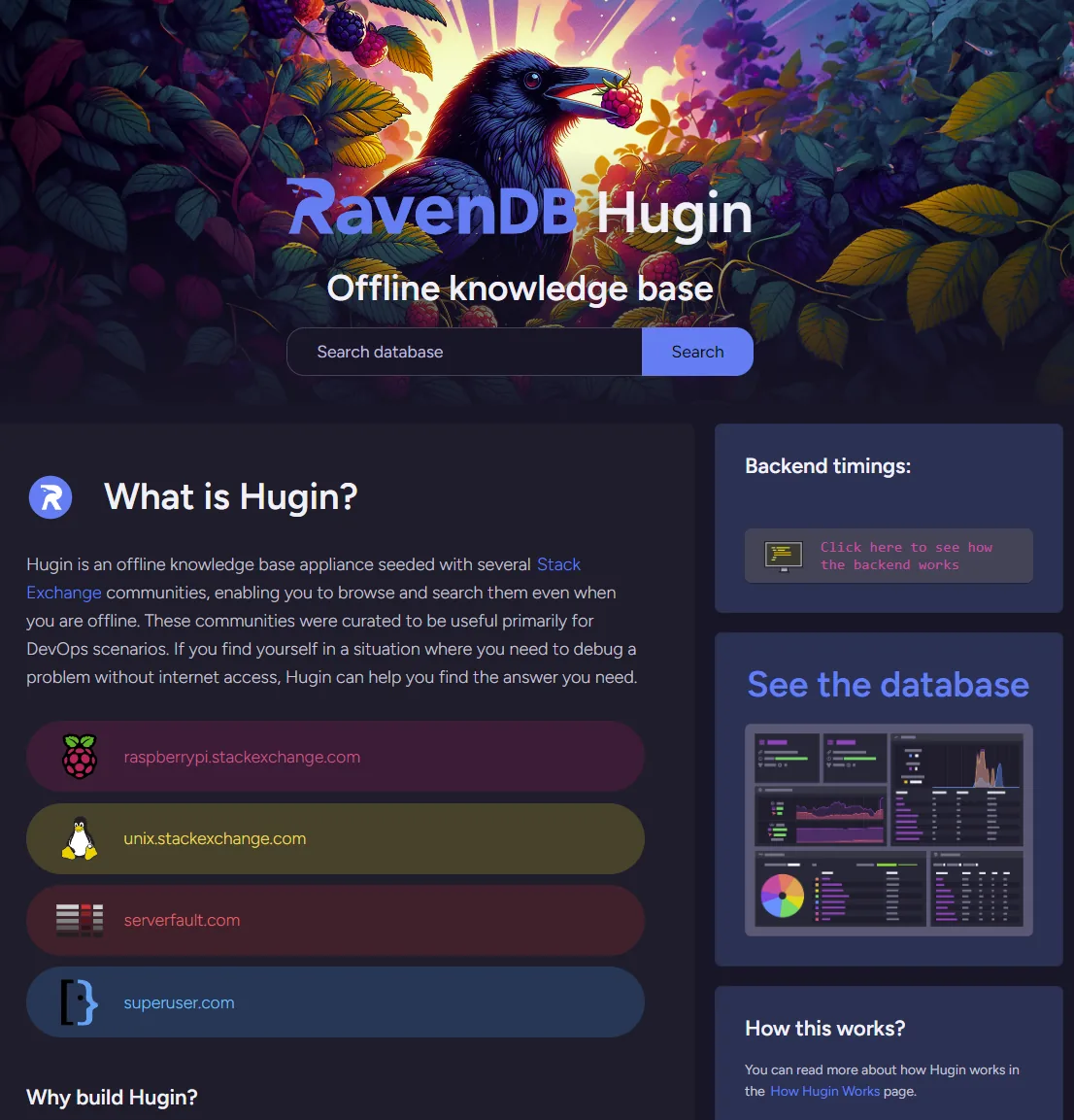
Hugin shows RavenDB making large local data practical on tiny hardware. The appliance runs on a Raspberry Pi Zero 2 W with a 1GHz CPU and 512MB of RAM, yet it serves a searchable offline knowledge base with over 2.6 million Stack Exchange Q&As and 4.3 million documents.
For teams building edge, field, kiosk, or offline experiences, the point is simple: RavenDB can keep a large compressed data set queryable close to the user, even without cloud access. The sample keeps indexes, full-text search, includes, statistics, and document relationships available on a microSD-backed device, with query timings visible in the application.
Features used
Hugin defines a JavaScript static index for questions and marks the combined title/tag field with RavenDB's full-text search mode. The index uses Corax, so the appliance can provide keyword search locally without a separate search service or a network connection.
this.map('Questions', q => ({
  Community: q.Community,
  Tags: q.Tags,
  CreationDate: q.CreationDate,
  ViewCount: q.ViewCount,
  Query: [q.Title, q.Tags]
}));

this.index('Query', 'Search');
this.searchEngineType = 'Corax';
Hugin uses a map-reduce index to count tags across the imported question corpus and split those counts by community. That turns the tag browser into a maintained RavenDB projection instead of a hand-built cache.
this.map("Questions", q => q.Tags.map(t => {
  const communities = {};
  communities[q.Community] = 1;
  return { Tag: t, Count: 1, Communities: communities };
}));

this.reduce(g => g.groupBy(x => x.Tag).aggregate(g => ({
  Tag: g.key,
  Count: g.values.reduce((count, val) => val.Count + count, 0)
})));
The included Stack Exchange data set contains 4.3 million documents and over 2.6 million Q&As while using just over 5GB of disk space with RavenDB document compression. Without compression, the same data is about 11GB. On a microSD-backed device, that saves storage and reduces disk I/O.
Question detail pages use includes for owners, answer owners, and comment users, then batch-load the remaining user documents. That keeps the document model natural while avoiding the usual relationship-loading tax.
const question = await session
  .include("Owner")
  .include("Answers[].Owner")
  .include("Answers[].Comments[].User")
  .load(req.query.id);

const users = await session.load(userIds);
The appliance runs RavenDB locally, stores the Stack Exchange data on the device, and serves the React application through the same offline environment. Hugin warms common RavenDB queries after startup because cold microSD I/O is expensive, then keeps the user experience fast enough to make the hardware constraints visible in the best possible way.
for (const community of communities) {
  await session.query({ indexName: QuestionsSearch.name })
    .whereEquals("Community", community.id)
    .orderByDescending("CreationDate")
    .take(15)
    .all();
}
Technologies
Run the appliance
- Power on the Hugin device.
- Connect to the
Hugin (ravendb)Wi-Fi network. - Open
http://start.ravendb.
The repository also contains the Raspberry Pi setup files, RavenDB service configuration, and application source if you want to inspect or adapt the appliance.
Community & Support
If you spot a bug, have an idea, or want to ask a question, open an issue or pull request in the repository. The RavenDB team also hangs out on the RavenDB Discord server.
Challenges & Solutions
Tech stack
Category
Offline Search