Cloud: AWS Marketplace
Access to RavenDB Cloud services is available through the AWS Marketplace.
Overview
If you want to pay for RavenDB Cloud services using a credit card associated with your AWS account, without re-entering the card in RavenDB Cloud, you can subscribe to RavenDB Cloud offer on the AWS Marketplace.
AWS Cloud Account created this way has a few differences in comparison to the regular Cloud Account:
- Monthly invoices are issued by AWS, not by RavenDB Cloud.
- AWS Cloud Account offering is limited to AWS products.
- Billing and contact information are fully managed by AWS. Changing the parameters is not possible via Cloud Portal.
Supported countries
RavenDB Cloud is available through the AWS Marketplace in countries and regions where AWS provides automated tax collection and remittance services. In these locations, AWS acts as a marketplace facilitator, handling tax calculation, collection, and remittance on behalf of the seller. This ensures a seamless billing experience for both the customer and the provider.
Countries and regions outside this list do not currently have automated tax handling through the AWS Marketplace, which means marketplace subscriptions cannot be offered there at this time.
If your country is not listed below, you can still use RavenDB Cloud by signing up directly at cloud.ravendb.net and paying via credit card or wire transfer. See Pricing, Payment and Billing for more details.
The following countries and regions are currently supported:
Australia, Austria, Barbados, Belgium, Cameroon, Canada, Czech Republic, Denmark, Estonia, Finland, France, Germany, Greece, Indonesia, Ireland, Italy, Japan, Kenya, South Korea, Kyrgyzstan, Lao People's Democratic Republic, Luxembourg, Malaysia, Netherlands, Norway, Poland, Portugal, Romania, Saudi Arabia, Singapore, South Africa, Spain, Sweden, United Kingdom, United States.
This list is determined by AWS's tax remittance support and is subject to change. For the most up-to-date information, see AWS Marketplace Sellers Tax Help.
Registration process
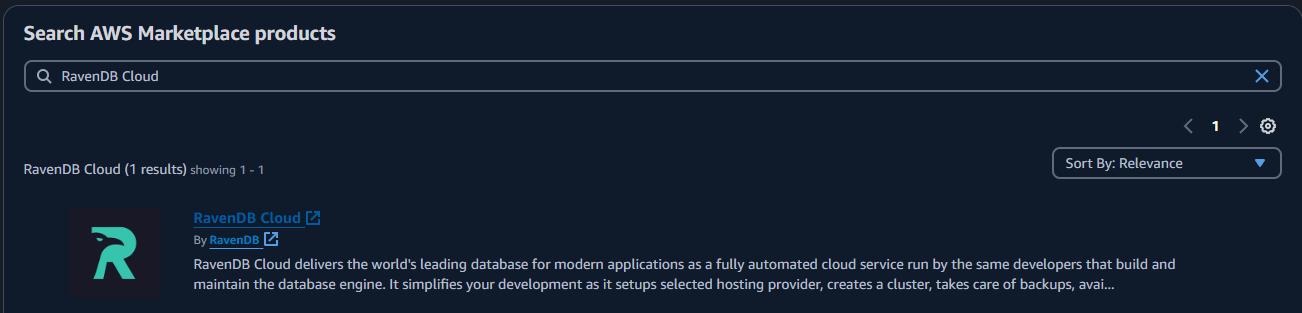
To subscribe your AWS account to the RavenDB Cloud, search for the RavenDB Cloud offer in AWS Marketplace and click on it.
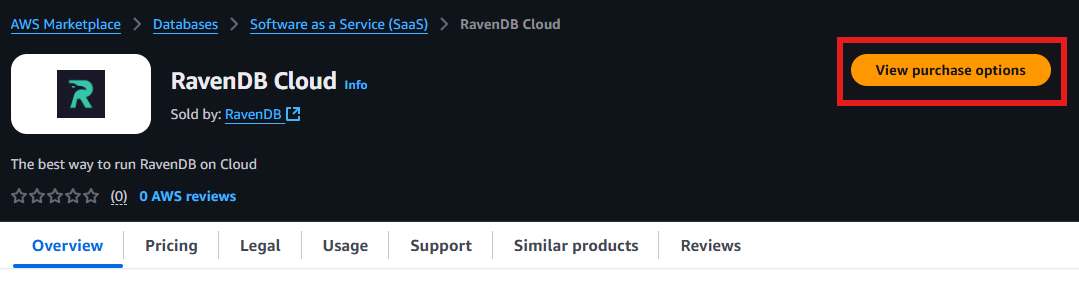
 In the main page of the offer, click View purchase options.
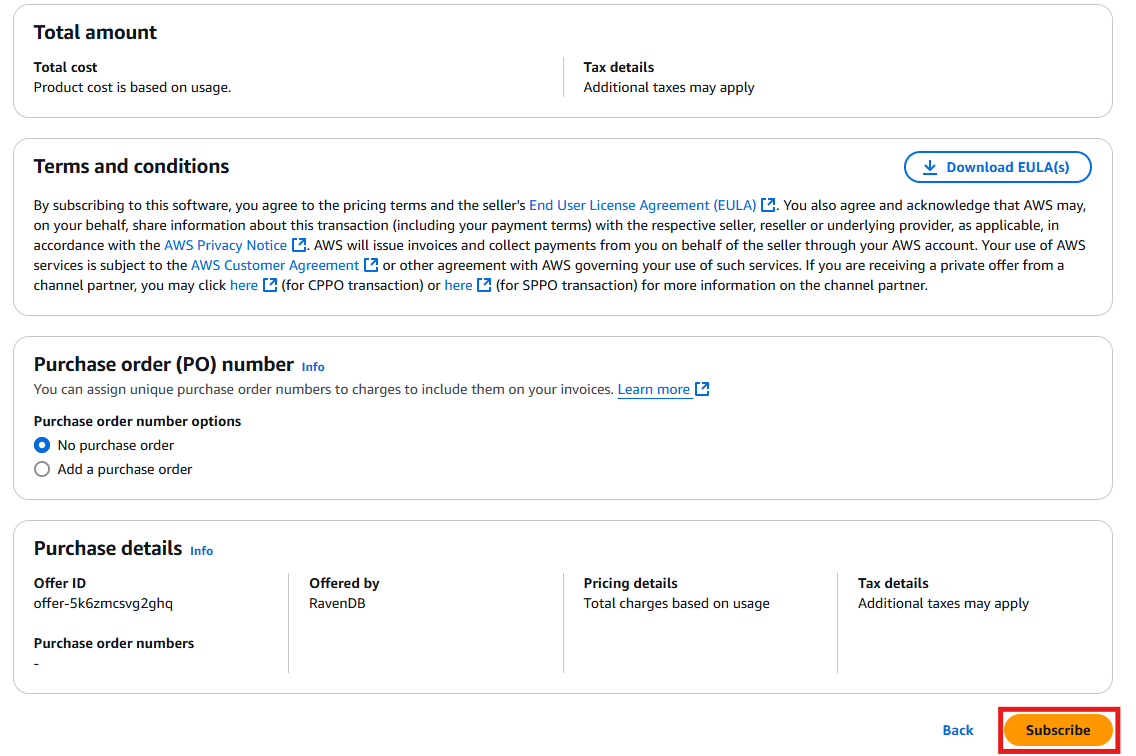
 Then, please click Subscribe down below.
 At the top you will see:

Please click Set up your account.
You'll be redirected to RavenDB Cloud, once you have subscribed, the next step is to configure the account in the RavenDB Cloud. Provide the necessary information required to end the registration process:
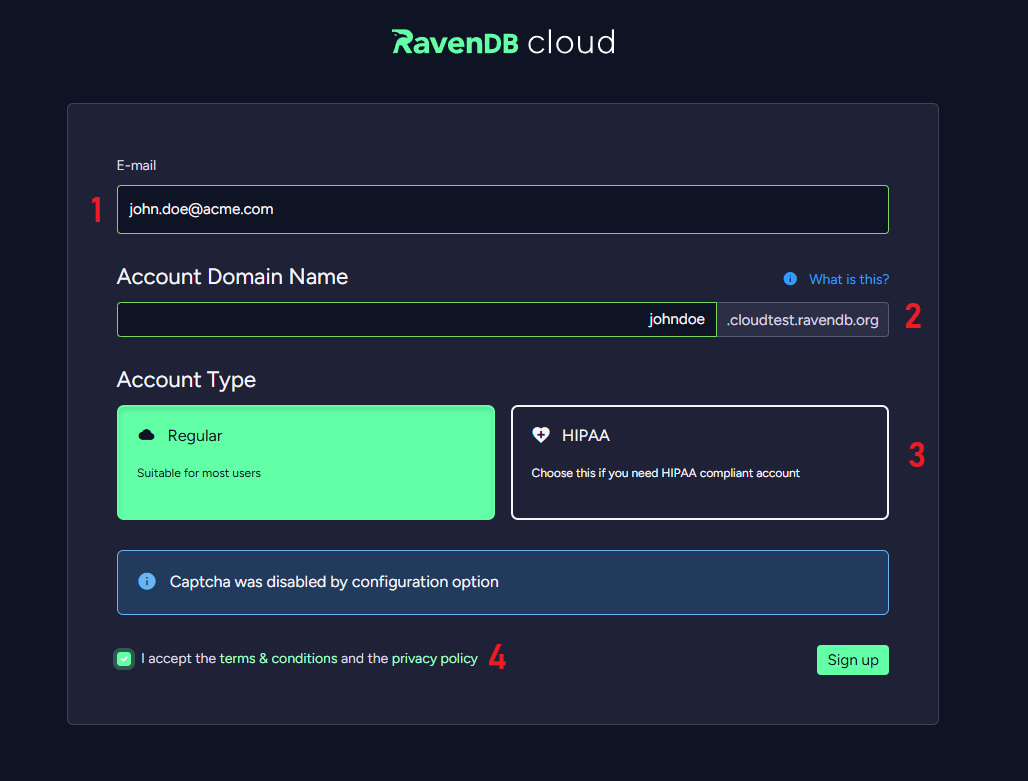
-
Email Address
Provide an email address that you will use in RavenDB Cloud. -
Domain Name
Provide a Domain Name for the account. -
Account Type
Provide an Account Type for the account. -
T&C and privacy policy
Accept Terms & Conditions and the privacy policy.
After providing the information, please click Sign up. Your account is now ready to use. To sign in to the account, click Continue to sign in.
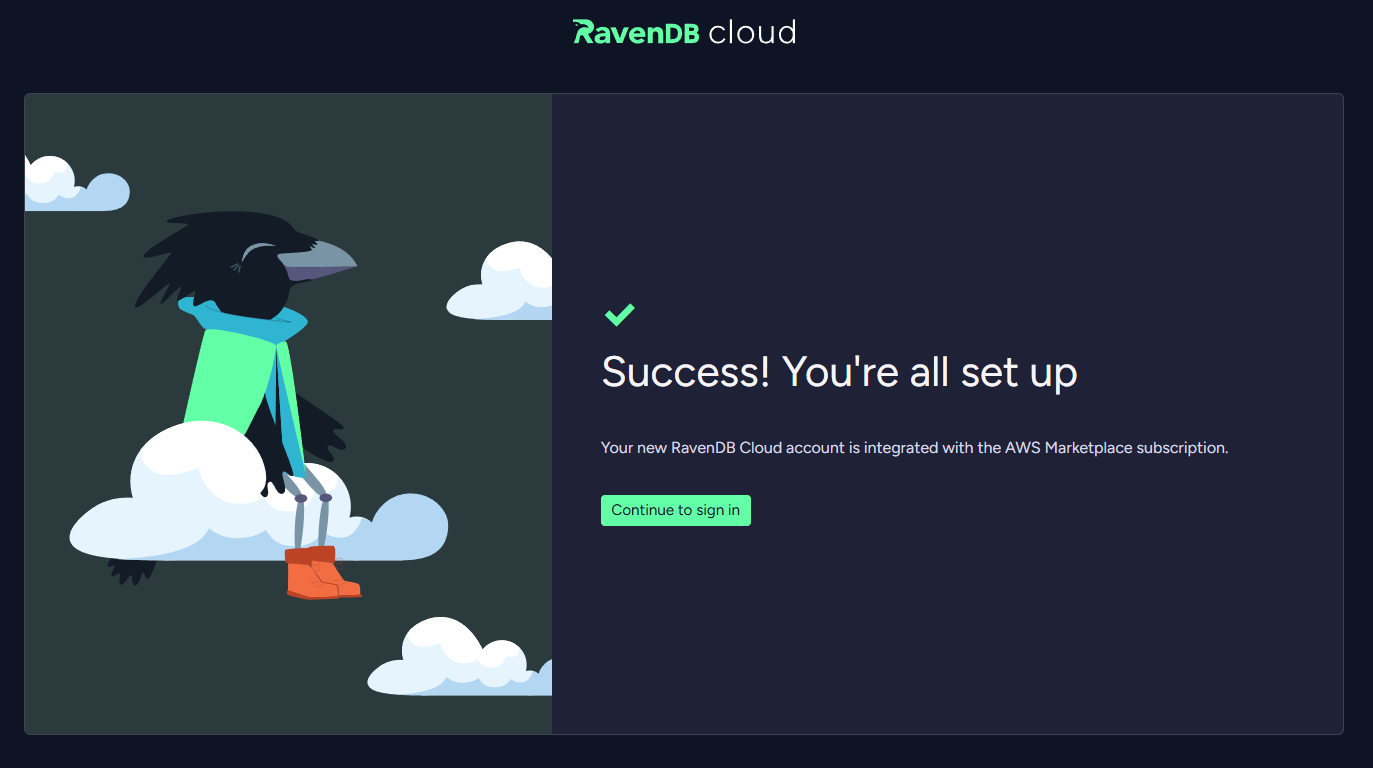
Successful registration process is also confirmed by an email from AWS Marketplace.
Subscription cancellation process
To cancel your subscription, go to AWS Marketplace service in AWS account which you used to subscribe to RavenDB Cloud.
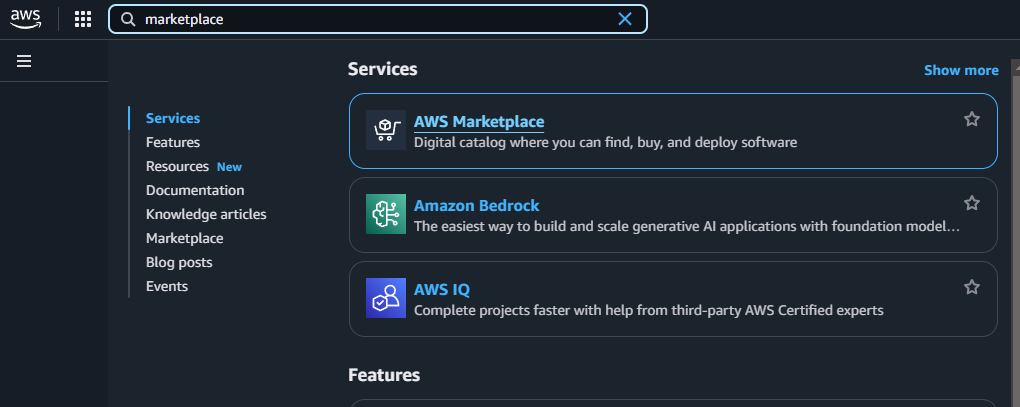 Click Manage on the RavenDB Cloud product.
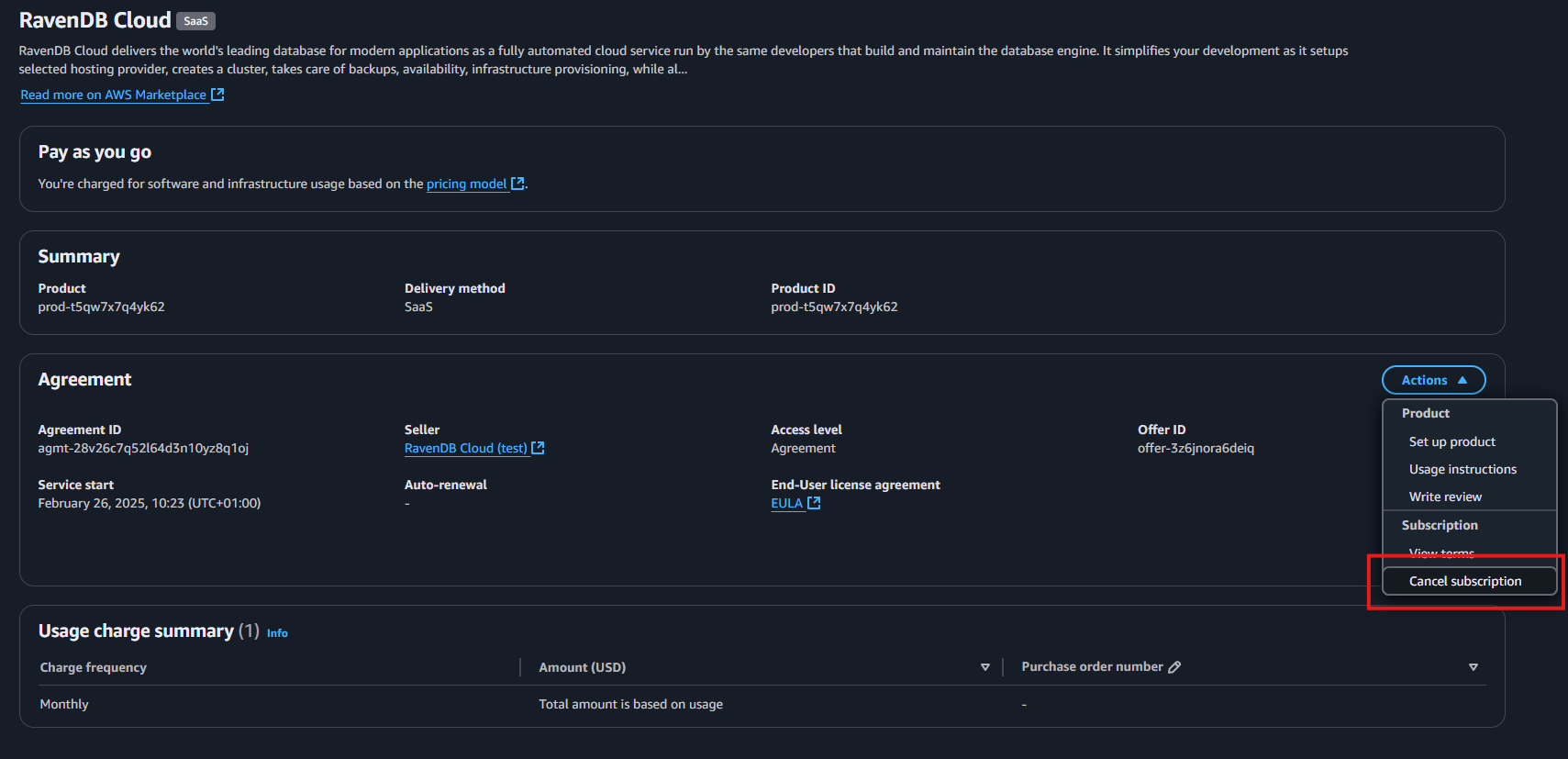
 Navigate to Cancel subscription.
 Confirm and finalize the process.
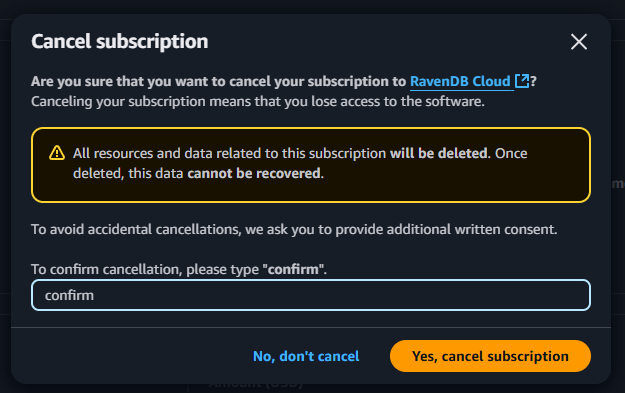
Subscription cancellation is irreversible. Your account and data and will be permanently lost.
Successful cancellation process is also confirmed by an email from AWS Marketplace.
Conversion from a regular Cloud Account to an AWS Marketplace Account
If you would like to convert your existing Cloud Account to an AWS Marketplace Account to pay for your services using a credit card associated with your AWS account, please submit a support request from Cloud Account owner via the RavenDB Cloud Portal.