Opening the view
-
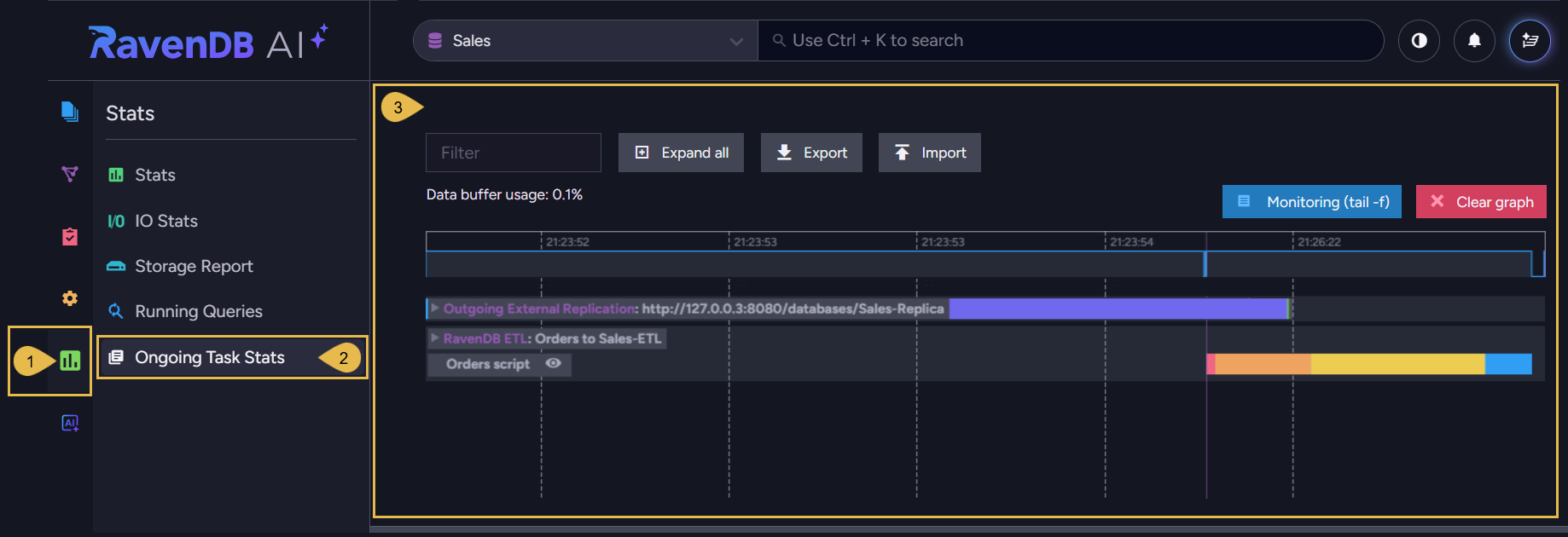
Studio's Ongoing Task Stats view draws a graph of the work a database's ongoing tasks perform over time, tracking each task's activity.
-
The full introduction to this view is in the Ongoing Task Stats article, under the Monitoring documentation folder.
-
In this article:
The Ongoing Task Stats view
Stats > Ongoing Task Stats
-
Stats
Open the Stats menu. -
Ongoing Task Stats
Open the Ongoing Task Stats view. -
The graph
The graph area, where each task's track is drawn over a shared time axis.Learn to read the graph and operate this view in the Ongoing Task Stats article.
Each of the following articles describes the statistics the view reports for a specific task type: