Simple Table Migration
-
This example shows the basic CDC Sink configuration to migrate a single SQL table into a RavenDB collection.
-
For detailed instructions on creating a CDC Sink task with the Client API or Studio,
see Create a CDC Sink task. -
In this article:
Source schema
A simple customers table:
- SQL
CREATE TABLE customers (
    id         SERIAL PRIMARY KEY,
    name       TEXT NOT NULL,
    email      TEXT NOT NULL,
    created_at TIMESTAMPTZ DEFAULT now()
);
Task configuration
Via the Client API
Define the task with the client API:
- csharp
var config = new CdcSinkConfiguration
{
    Name = "Customers-CDC-Sink",
    ConnectionStringName = "ConnectionStringToPostgreSQL",
    Tables = new List<CdcSinkTableConfig>
    {
        new CdcSinkTableConfig
        {
            CollectionName = "Customers",
            SourceTableSchema = "public",
            SourceTableName = "customers",
            PrimaryKeyColumns = new List<string> { "id" },
            // Column = source SQL column, Name = RavenDB document property
            Columns =
            [
                new CdcColumnMapping() { Column = "id",         Name = "Id" },
                new CdcColumnMapping() { Column = "name",       Name = "Name" },
                new CdcColumnMapping() { Column = "email",      Name = "Email" },
                new CdcColumnMapping() { Column = "created_at", Name = "CreatedAt" },
            ]
        }
    }
};

await store.Maintenance.SendAsync(new AddCdcSinkOperation(config));
Via Studio
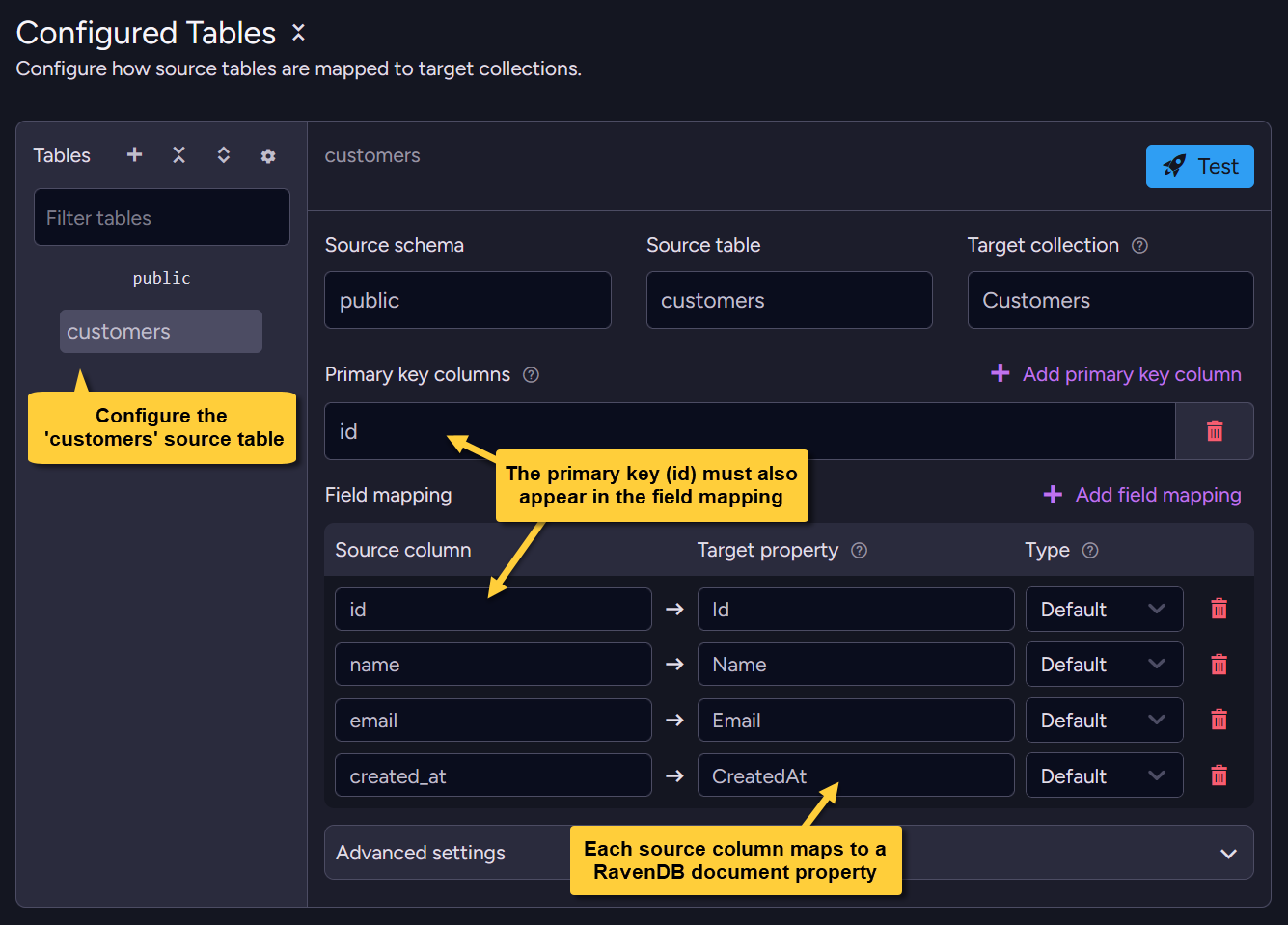
In Studio, configure how the selected customers source table maps to the Customers target collection:
set the source schema/table, primary key column, and field mapping (source column → target property).
Alternatively, toggle Raw config and paste the equivalent JSON:
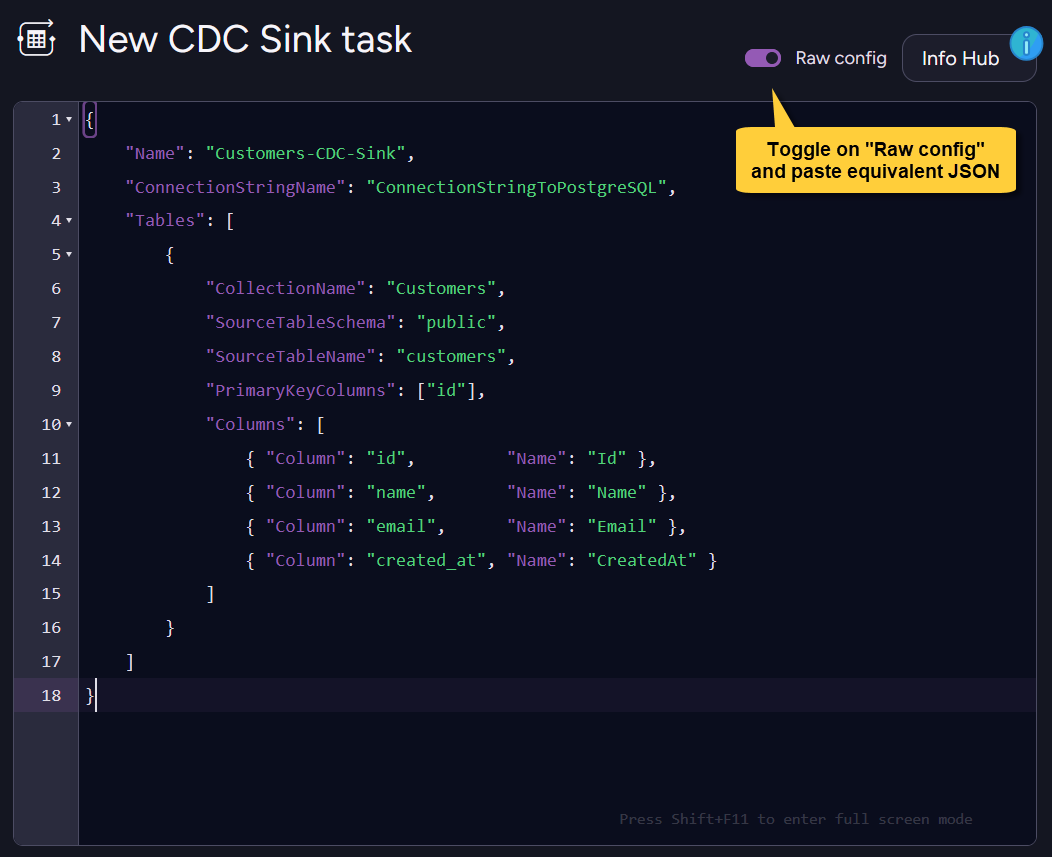
- Raw config (JSON)
{
    "Name": "Customers-CDC-Sink",
    "ConnectionStringName": "ConnectionStringToPostgreSQL",
    "Tables": [
        {
            "CollectionName": "Customers",
            "SourceTableSchema": "public",
            "SourceTableName": "customers",
            "PrimaryKeyColumns": ["id"],
            "Columns": [
                { "Column": "id",         "Name": "Id" },
                { "Column": "name",       "Name": "Name" },
                { "Column": "email",      "Name": "Email" },
                { "Column": "created_at", "Name": "CreatedAt" }
            ]
        }
    ]
}
Resulting documents
Given this SQL row:
id=1, name='Alice', email='alice@example.com', created_at='2024-01-15 10:30:00+00'
CDC Sink generates the document ID from CollectionName and the configured primary key column value.
Here, CollectionName = "Customers" and PrimaryKeyColumns = ["id"], so the document ID is Customers/1.
The id column must also be mapped in Columns; otherwise, the task configuration is rejected.
In this example, it is mapped to the Id document property.
The resulting RavenDB document:
- The generated document
{
    "Id": 1,
    "Name": "Alice",
    "Email": "alice@example.com",
    "CreatedAt": "2024-01-15T10:30:00+00:00",
    "@metadata": {
        "@collection": "Customers"
    }
}