Activate license
-
Each RavenDB cluster must be registered with its own license.
-
The license is sent to the email address that was provided while obtaining it.
-
You can activate your license using configuration keys, or via Studio.
-
In this article:
Activate your license using a configuration key
-
You can activate your license using either of the following configuration keys:
- License
Allows you to provide the license text directly, as the key's value.
e.g.,"License": "{ your full license text here }" - License.Path
Allows you to provide a path to a file that contains your license.
e.g.,"License.Path": "D:\\RavenDB\\Server\\license.json"
- License
-
The configuration keys can be set in the
settings.jsonfile or as environment variables.
Learn more in the configuration overview page.
Activate your license via Studio
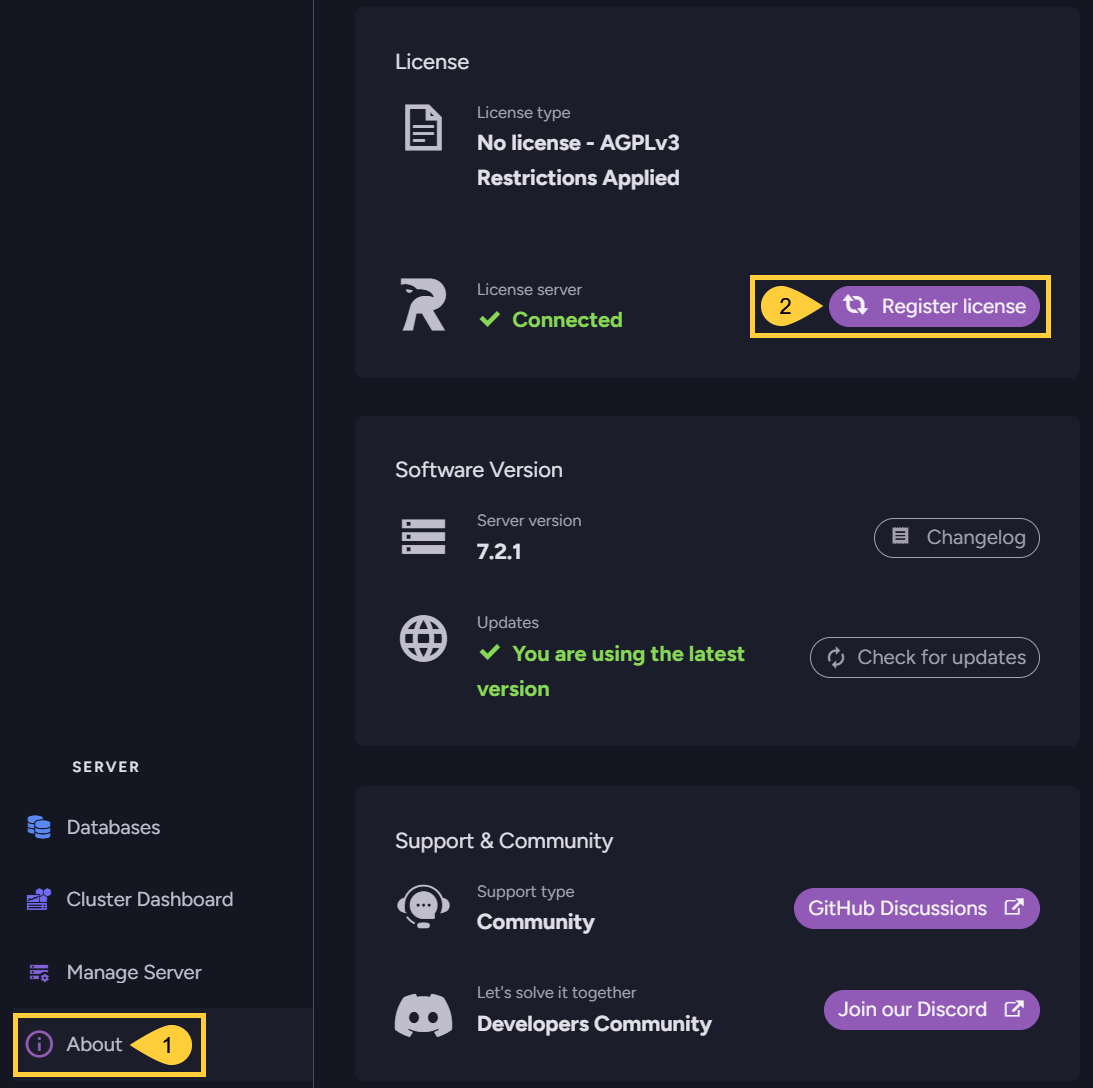
To activate your license via Studio, open the About view and click the Register license option:
-
About
Click to open the About view. -
Register license
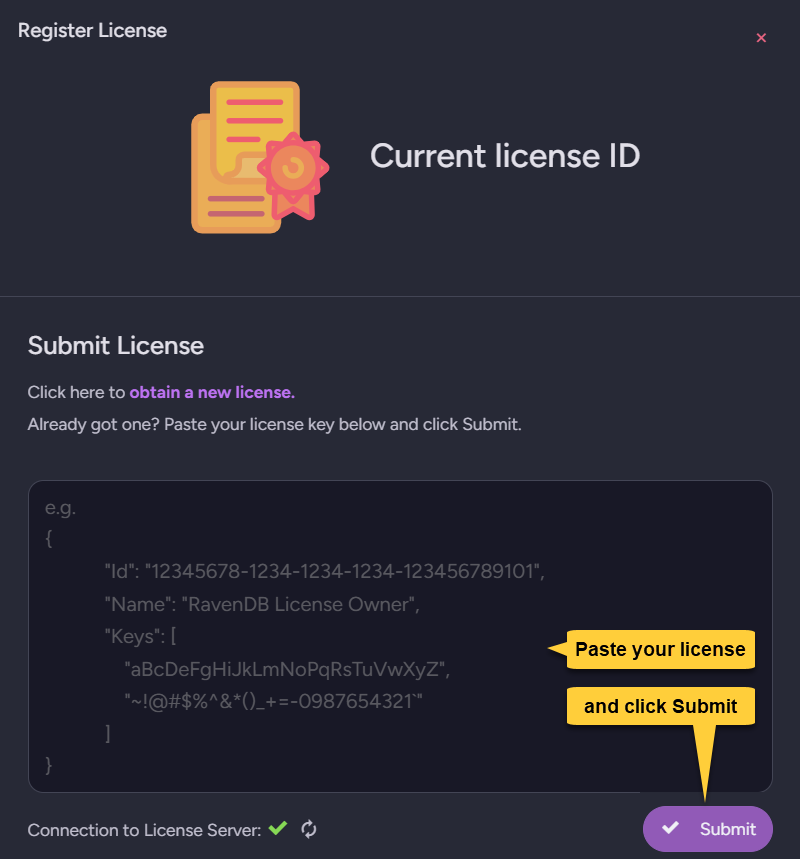
Click to register and submit your license using the following form: