Review Setup
-
After configuring additional settings, as described in Additional settings,
the next step is to review all your settings before proceeding. -
In this article:
Review setup
-
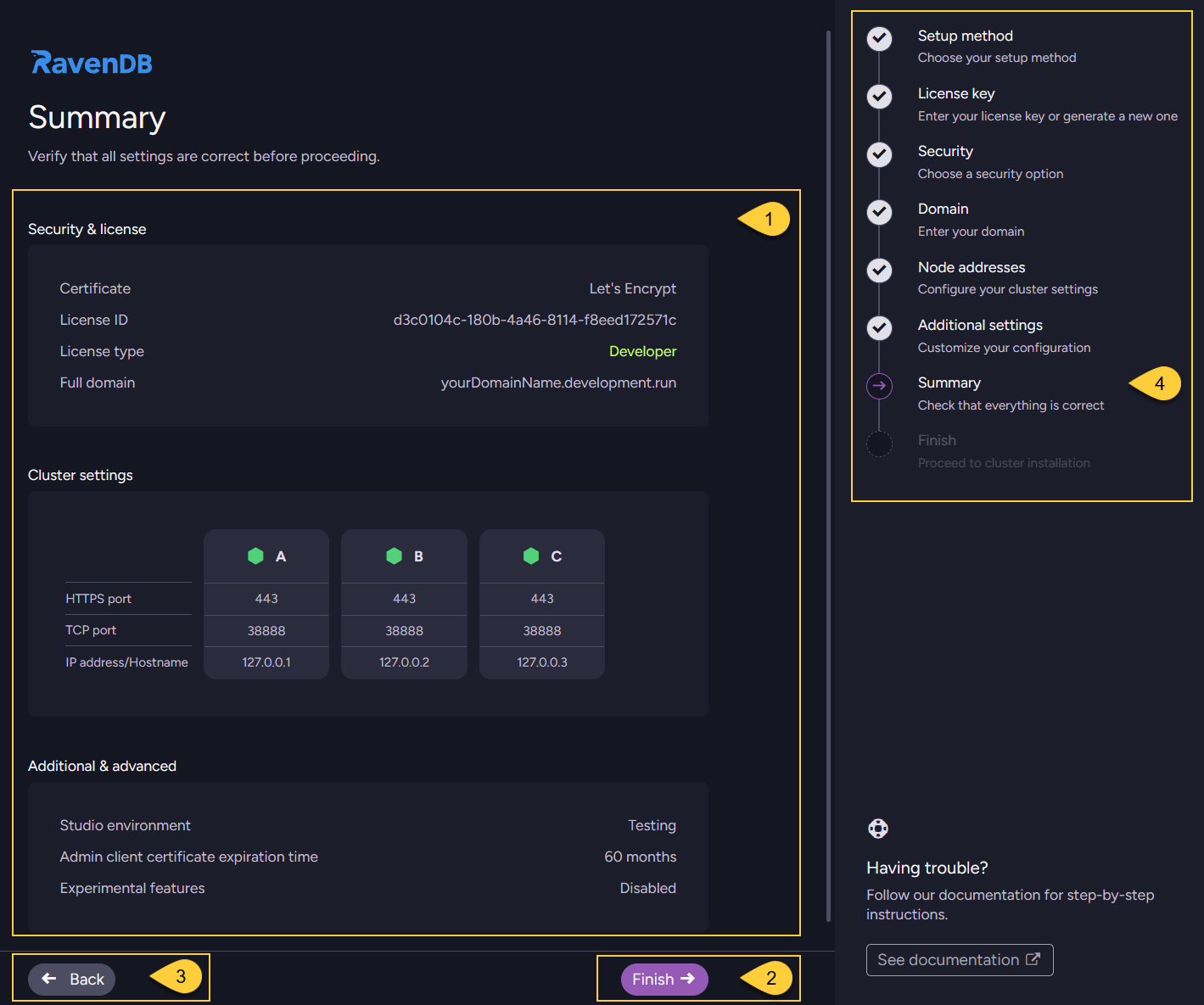
Review the summary of all settings you have configured so far before proceeding.
-
Click "Finish" to proceed to the next step - Finish setup and complete the installation.
-
Click "Back" to return to the previous step - Additional settings.
-
The navigation panel indicates your current step ("Summary").